Will ContactsLuX change the contacts on my iPhone without asking?
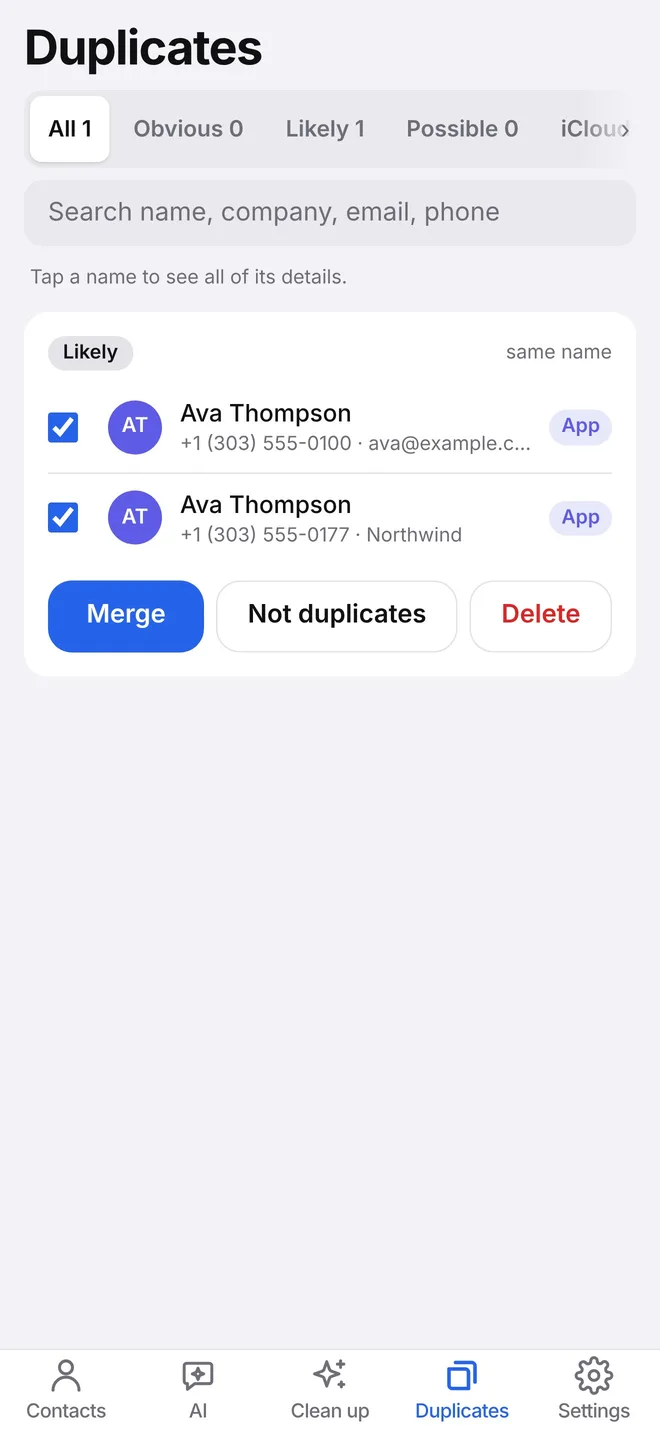
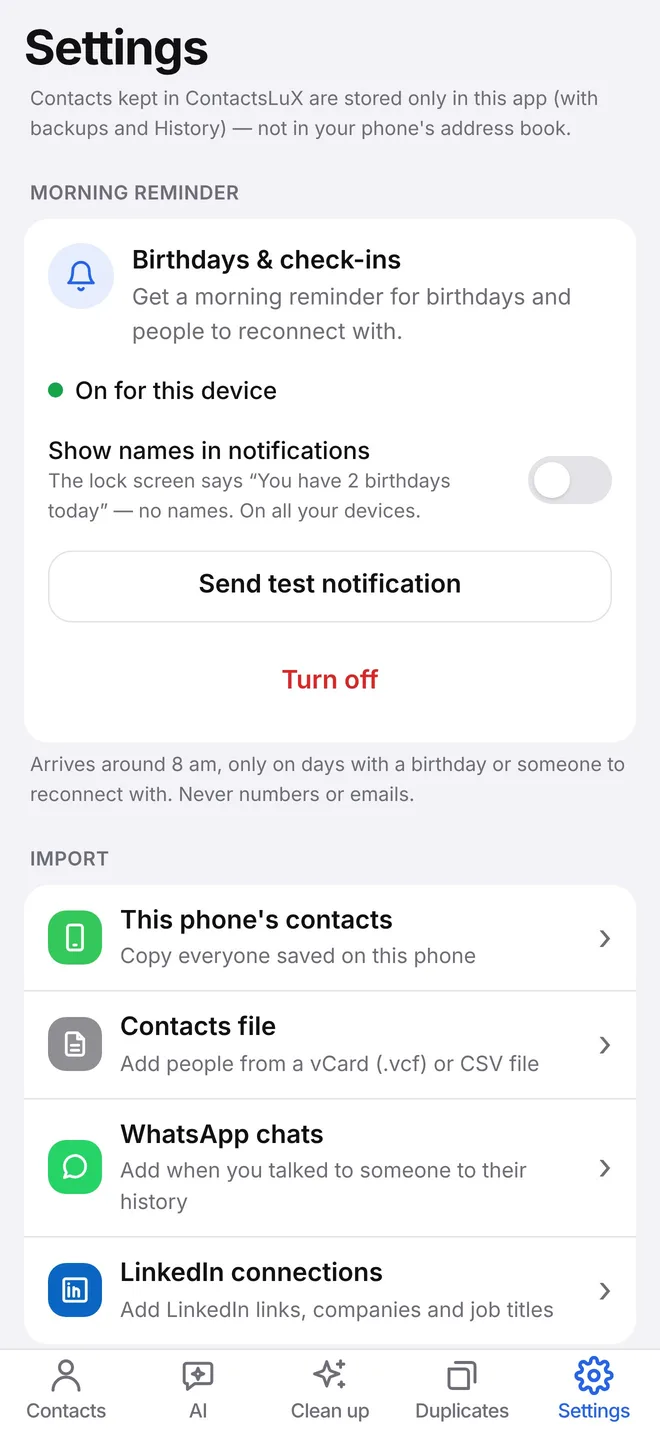
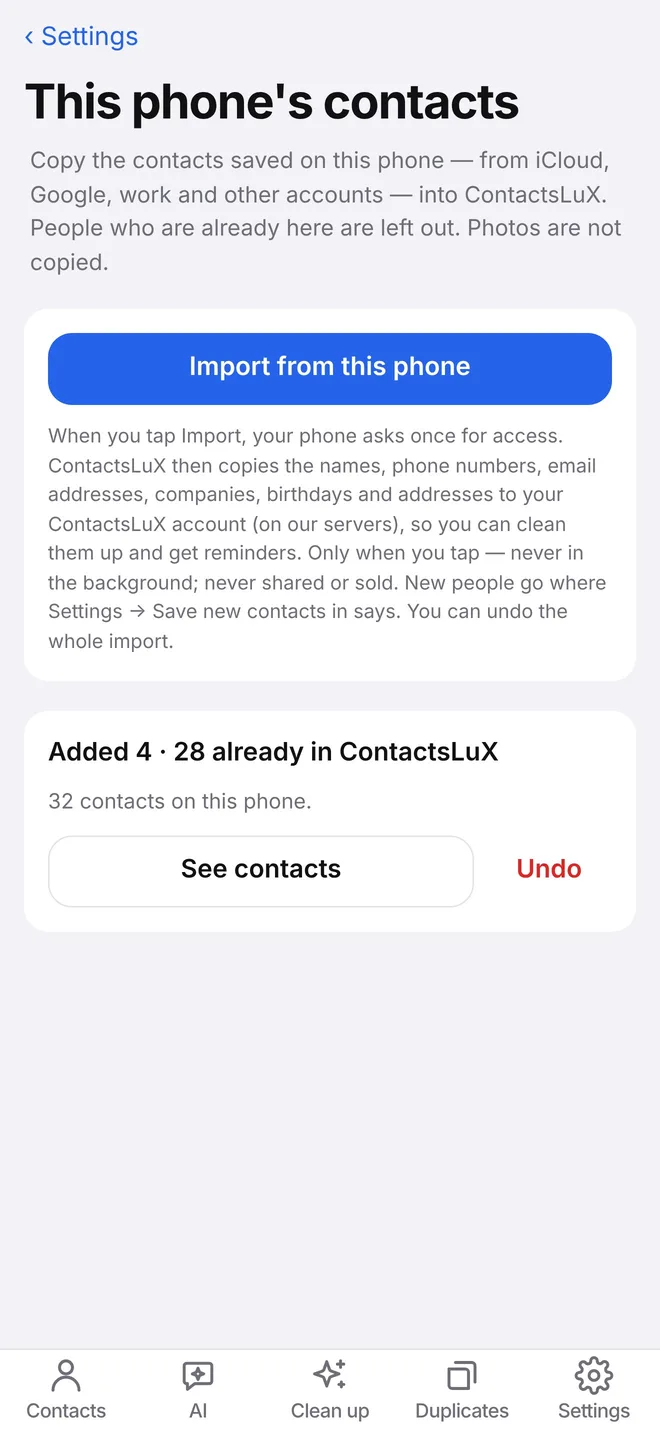
No. Nothing is deleted, merged or changed without your tap, and every change goes into History with Undo. Your phone's contacts are only read when you tap Import.
Where are my contacts stored?
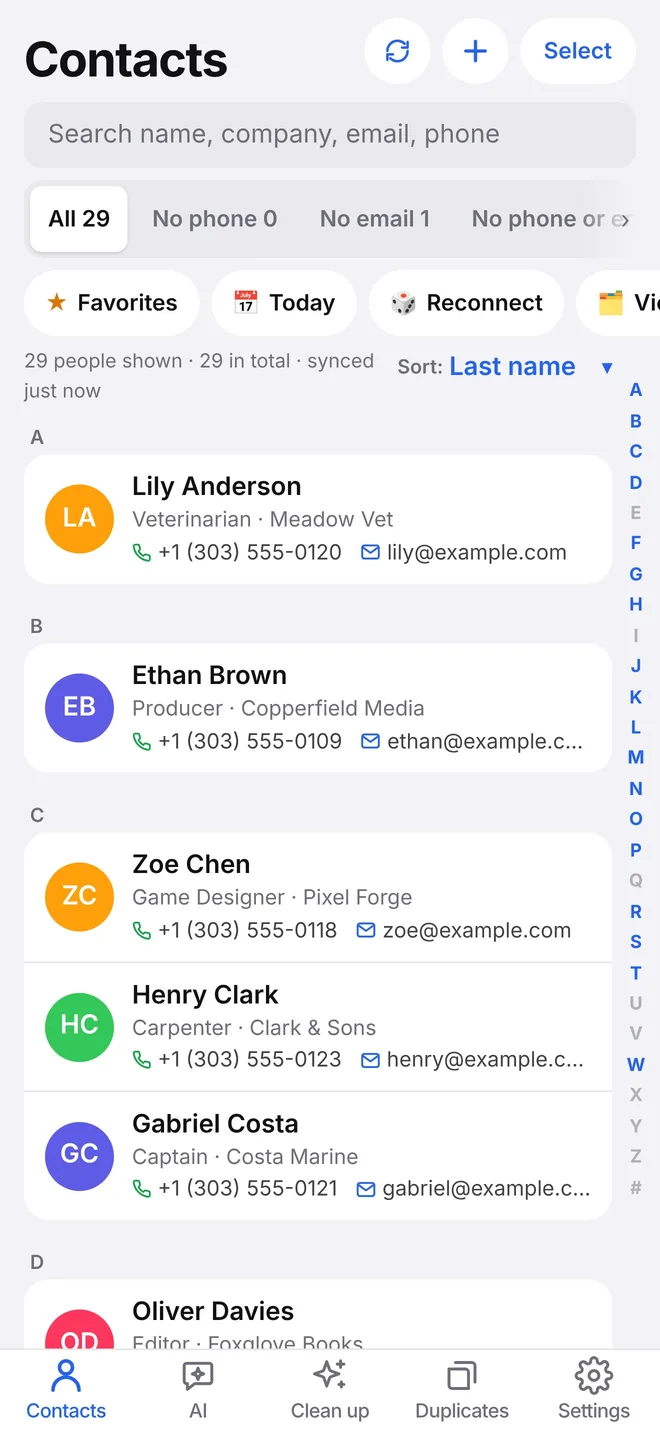
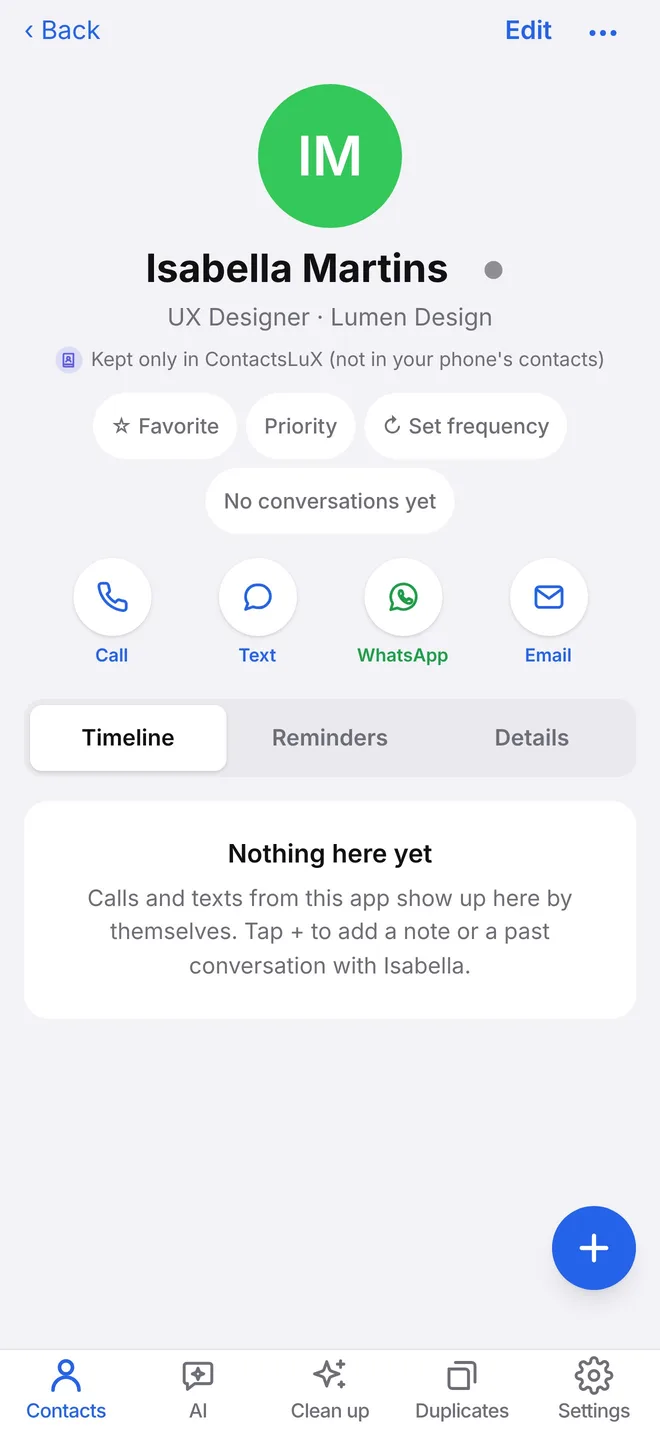
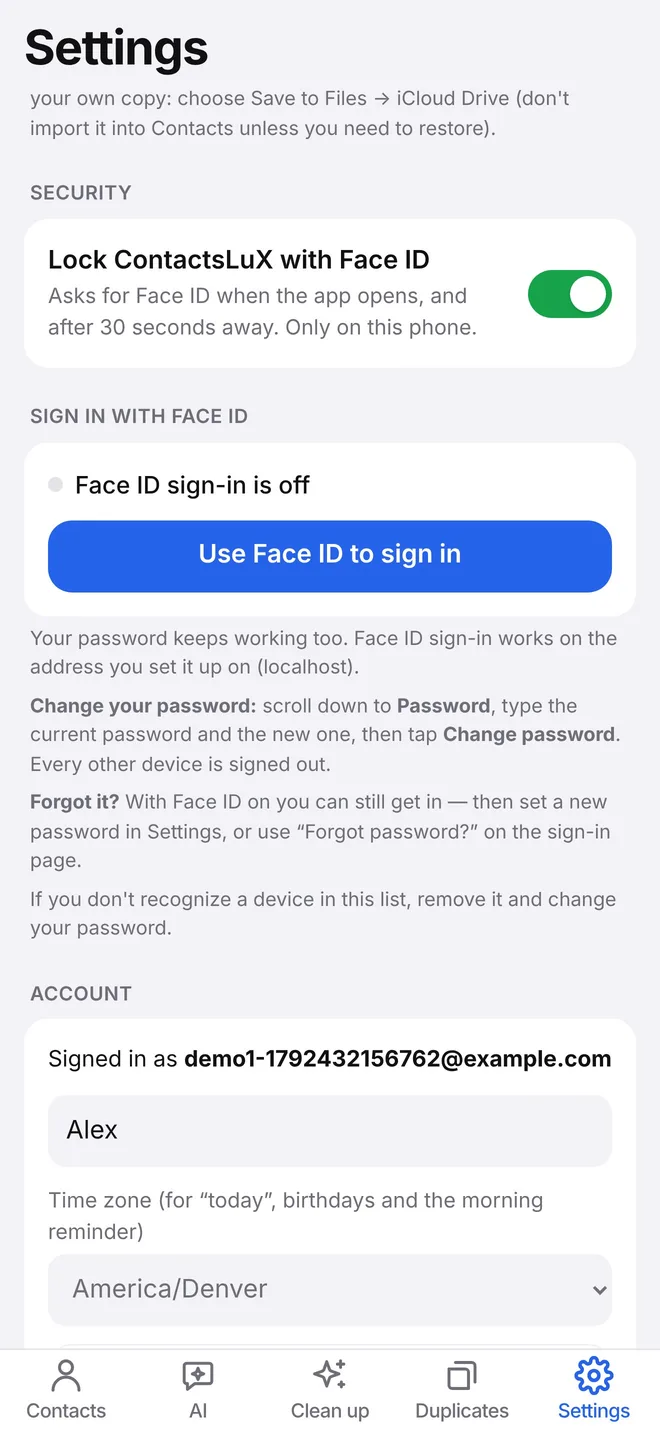
In your private ContactsLuX account, isolated from every other account. If you connect iCloud, edits can go back to iCloud too. You can also keep contacts only in ContactsLuX.
What happens when the free trial ends?
If you don't upgrade, your account becomes read-only. You can still view, export and delete everything; nothing is removed.
How does the AI use my data?
AI is used only for things you ask for, like reading a business card or a screenshot. The first time, the app asks your permission and explains what is sent. Pictures are read, not kept. You can turn AI off at any time.
Which devices does it work on?
Any modern browser today, on phone or computer. Native iPhone and Android apps are being prepared for the App Store and Google Play.
Can I use it with Google or Outlook contacts?
iCloud, phone contacts, vCard, CSV, LinkedIn and WhatsApp imports work now. Google Contacts and Microsoft 365 are being switched on after the providers' security reviews.
Is there a plan for teams?
Not yet. ContactsLuX is built for one person's network first. If you'd like it for a team, tell us below.
Who makes ContactsLuX?
ContactsLuX is made by JBL Group, LLC in Colorado, founded by Jefferson Silva — a sales leader who built it to keep his own network in order.
 Jordan Ellis